
Controller Technology Museum

Exhibit Five · Face buttons

The most familiar part of the controller was still waiting

Four historical milestones beneath the thumb, followed by buttons that sense how far they’re pressed.

05

Four small circles handle thousands of decisions, from confirming a menu to parrying an attack. Most presses happen too quickly to notice the mechanism until a button feels wrong.

Face-button history moved more quietly than sticks or haptics. The basic rubber membrane endured for decades because it is cheap, compact and remarkably good. Every alternative has had to explain why changing it is worth the trouble.

A face button can measure travel before it reaches the bottom.

Four milestones, then what’s coming

1983Famicom / NES Controller2000Sony DualShock 22017Razer Wolverine Tournament Edition2025GameSir G7 ProWhat’s comingGenki Manta

Milestone 1

The gamepad finds its durable basic switch.

Museum object 01Famicom / NES ControllerConductive rubber membraneMembrane-gamepad landmark

What players noticed

The press was soft, quiet and inexpensive enough to become universal.

The mechanism

A rubber dome squashes until a conductive pad bridges two contacts. Cheap, quiet, and the reason buttons feel slightly soft.

Pressing the plastic cap collapses a rubber dome. A conductive pad beneath it bridges contacts on the circuit board, closing the circuit. The rubber also supplies the return force.

What remained

Rubber changes with age and use. The electrical event normally occurs near the bottom of travel and reports only on or off.

Milestone 2

A button gains degree.

Museum object 02Sony DualShock 2Pressure-sensitive buttonsPressure-sensitive landmark

What players noticed

A familiar face button could report how hard it was pressed, not just that it was pressed.

The mechanism

Press harder and the pad squashes wider, which the controller reads as a number. A gentle tap and a firm jab stop being the same press.

The conductive contact and sensing circuit can report different values as pressure increases, allowing the console to distinguish a light press from a firm one.

What remained

Few games made pressure a readable, dependable part of play. The subtle input was difficult to learn by feel.

Milestone 3

The press gains a sharper event.

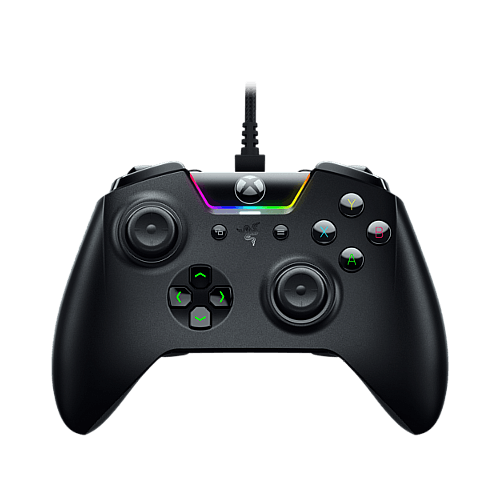
Museum object 03Razer Wolverine Tournament EditionMecha-tactile action buttonsMecha-tactile controller landmark

What players noticed

The button felt quicker and more definite than a soft membrane collapse.

The mechanism

The dome is replaced with a proper switch. It snaps rather than squashes, so you feel the exact moment the press counts.

A short-travel switch structure adds a distinct tactile response to the familiar action-button form, borrowing the crisp, decisive click of mice and keyboards.

What remained

A mechanical click can improve confirmation but adds parts, sound and a fixed tactile character.

Milestone 4

The press is sensed without contact.

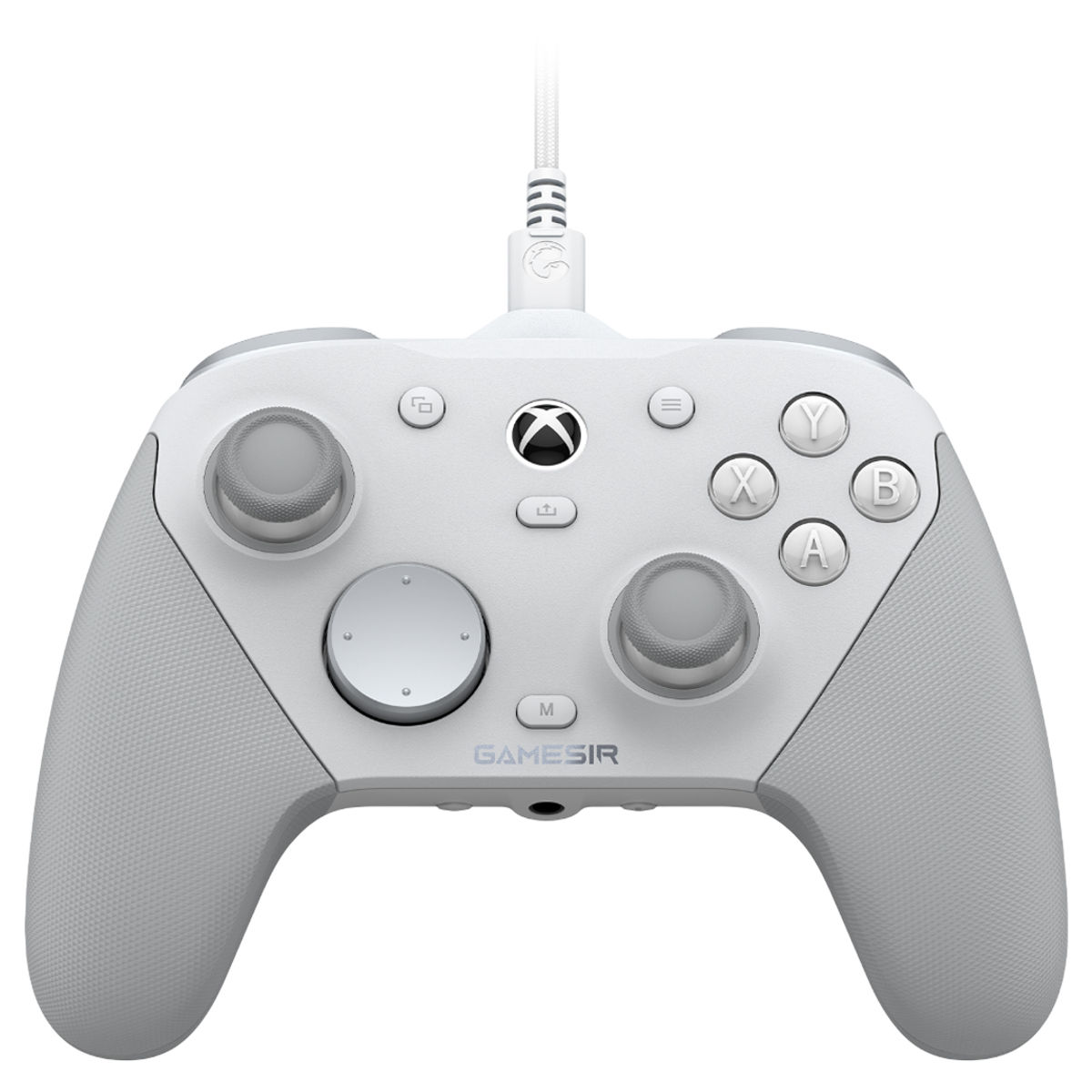
Museum object 04GameSir G7 ProOptical microswitch ABXYSelected optical-button landmark

What players noticed

The signal can be clean and fast while removing one electrical wear interface.

The mechanism

Pressing drops a shutter through a beam of light. Nothing touches metal, so there is no contact to wear out or bounce.

Physical movement interrupts or redirects a light path. The sensor detects that optical change instead of relying on two electrical contacts touching at a fixed depth.

What remained

The button still has moving guides, return force and an engineered feel. Whole-controller latency and durability depend on the rest of the design too.

Exhibit finale · Pulse Buttons

Face buttons that stop making you wait.

Every button before it made your thumb travel all the way to the bottom before the press counted.

Museum object 05Genki MantaPulse Buttons
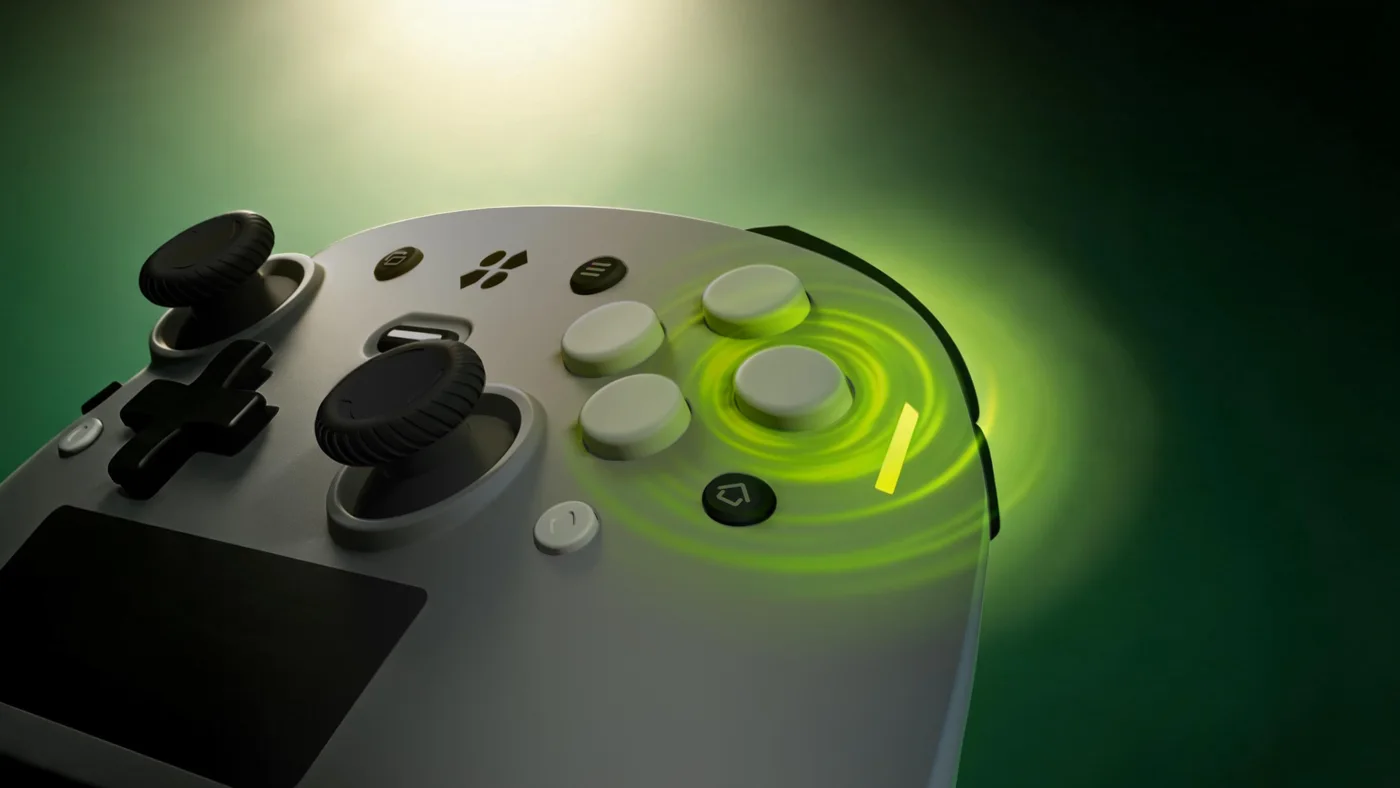
Close view of the Genki Manta face buttons, which sense the whole travel of a press
Photo: Genki · 2026 development hardware

What you’ll notice

Every press before this one had to reach the bottom of its travel before the controller knew about it, and that pushing time is latency no polling-rate figure describes. Choose a shallower point and the same thumb arrives sooner. And because the buttons report how far they’re pressed, not just on or off, A and B can act like triggers: proportional throttle and brake without special game support.

The mechanism

The controller watches the button the whole way down, so you choose how deep a press has to go before it counts.

Less travel, less delay

A polling rate only starts counting once the press registers. Move that point near the top and you cut the time your thumb spends pushing before anything happens at all.

Ready again on the way up

The next press never waits for a full release, so repeat presses come back sooner.

Doubles as a trigger

Because it senses the whole travel, A and B can act as proportional throttle and brake.

Exit through the gift shop

Take Manta home

Everything this exhibit looks ahead to ships in one controller. Manta launches on Kickstarter Thursday, August 20 · 7:00 AM PT · 10:00 AM ET · 3:00 PM London · 10:00 PM Singapore. Follow the project and you’ll be notified the moment it, and the early-bird rewards, go live.

Follow Genki Manta on Kickstarter

Post card

Send this room to someone who would get it.

Curator’s sources

Read past the plaque

  1. Nintendo history: Famicom
  2. PlayStation history: DualShock 2
  3. Razer Wolverine Tournament Edition
  4. GameSir G7 Pro
Continue to exhibit 01Move